
Build your own effect
Chain your own sequence of plays, freezes and rewinds against the ten-second take. Here is how the builder thinks, and the one rule that makes boomerangs work.
The nine built-in effects cover most nights. When you want something that is
recognisably yours, the builder lets you chain your own sequence and saves it
to your account for every event after that.
It renders through the same pipeline as the built-in effects. This is not a
lesser version of them.
Open it
Open the event, then Booths, then the booth, then Effects. Tap
New effect.
The three phases
Everything you build is a chain of three kinds of step.
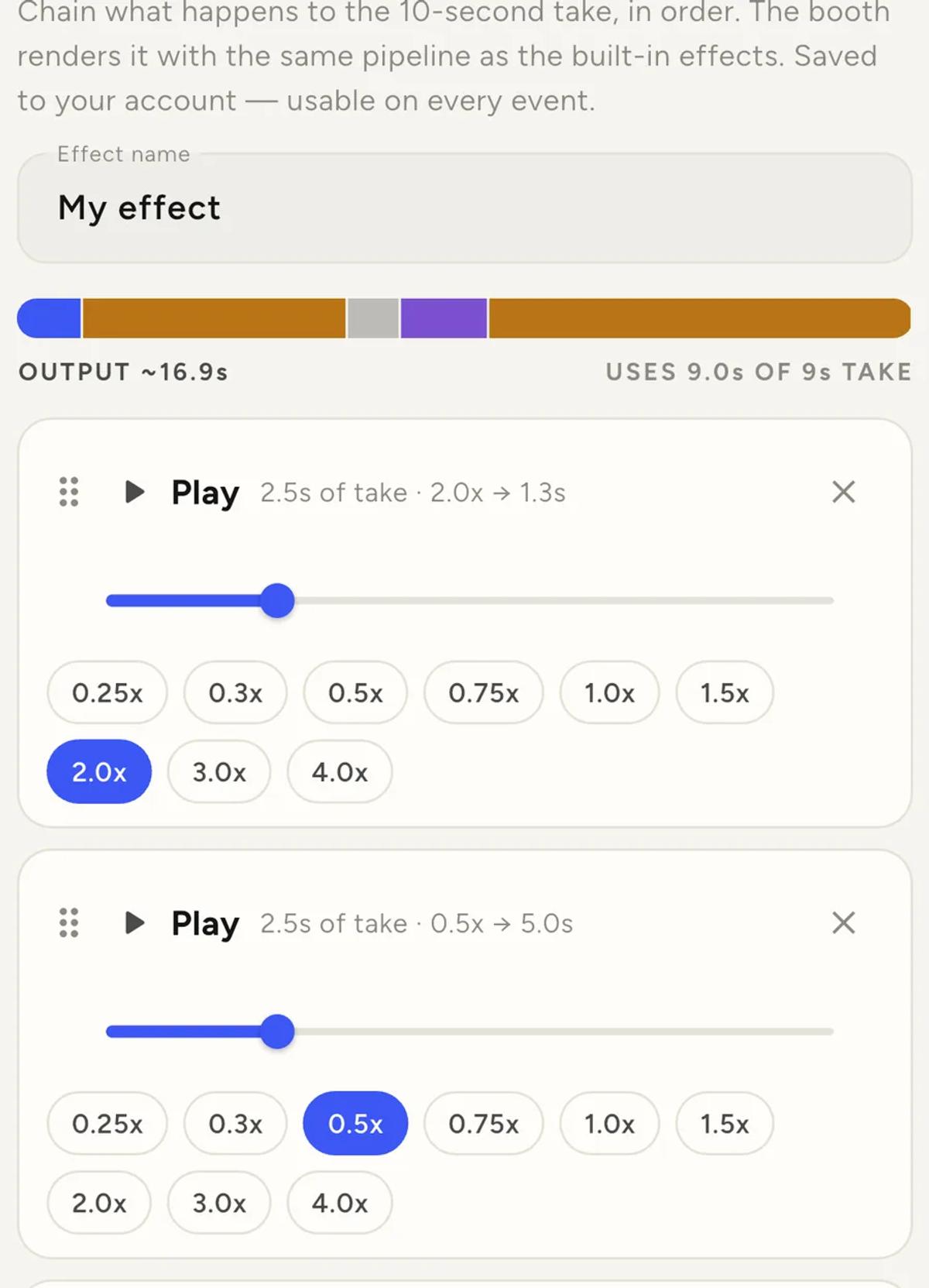
Play runs the next stretch of the take at a speed you choose, and moves
your position forward through the footage.
Freeze holds the current frame for a moment. It uses no footage at all,
because it does not move your position.
Rewind runs the previous stretch backwards. It also does not move your
position.
The rule that makes it click
Rewind leaves you exactly where you started. So a Play straight after a
Rewind replays the same stretch forwards.
That is the boomerang, and it is the whole trick. Play a stretch, rewind it,
play it again: the guest sees the same moment go forward, back, forward.
Every boomerang in the built-in effects is that pattern.
Once that lands, most ideas become obvious. A dramatic pause is a Freeze
after a slow Play. A stutter is a short Play and Rewind repeated.
Two budgets, and only one of them binds
The bar at the top shows both.
The take gives you nine seconds of footage. The recorder captures ten and
nine are usable, the same as every built-in effect. Only Play and Rewind
consume it. Freeze is free.
Output is how long the finished clip runs, and it can be far longer than
nine seconds. Play two and a half seconds at half speed and you have spent
2.5s of budget to produce 5s of clip.
So slow motion buys screen time. The default recipe spends all nine seconds
and produces about seventeen.
If you overrun the footage, the builder tells you rather than failing later.
The limits
- Between two and eight phases.
- Speeds are fixed steps, from 0.25x up to 4x. Deliberately not a slider:
every step here is one the pipeline is known to render well. - A play or rewind runs at least half a second.
- A freeze holds between 0.3 and 3 seconds. Longer reads as a stall.
Test it before you trust it
Test render runs your recipe on your own latest take, through the real
pipeline.
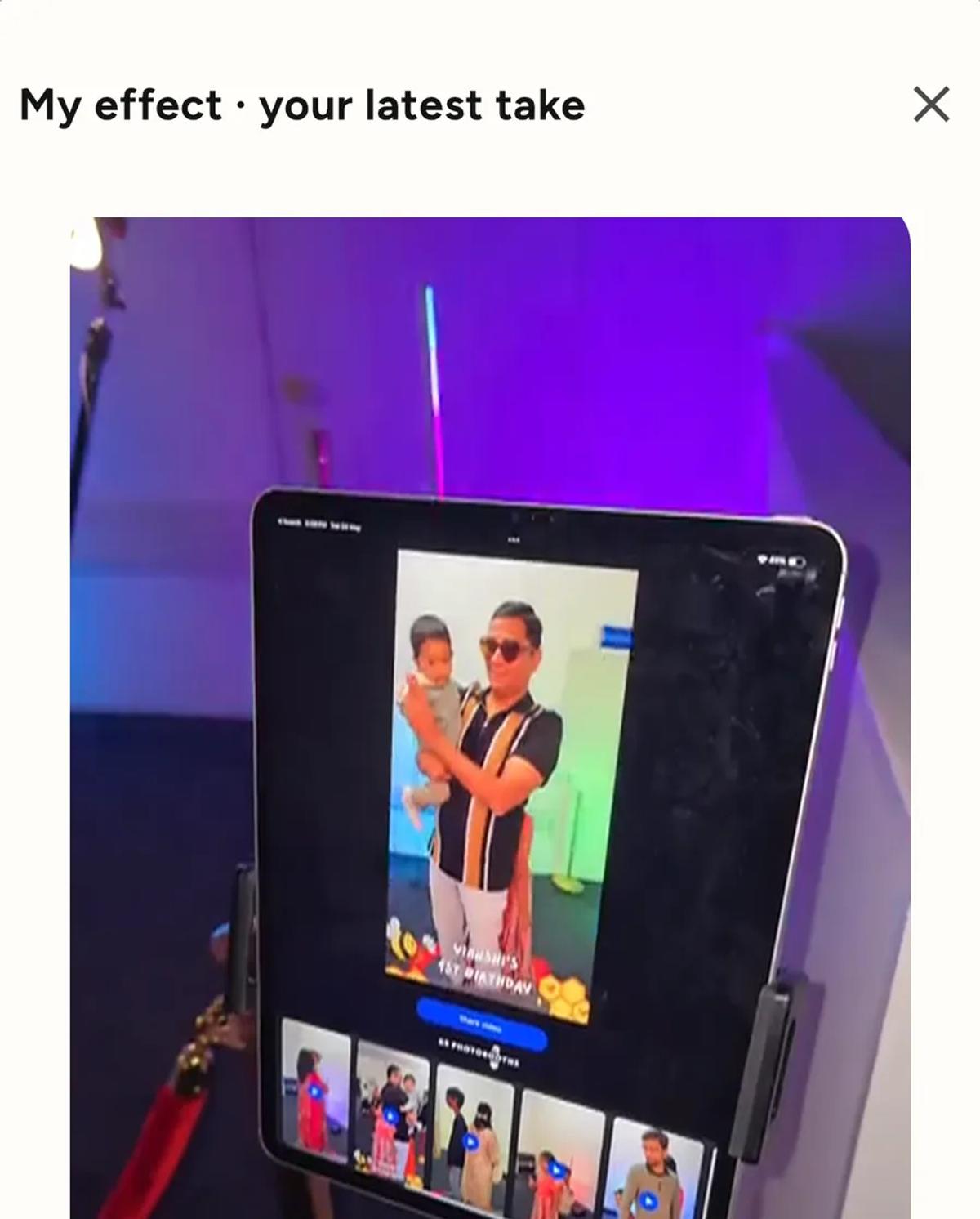
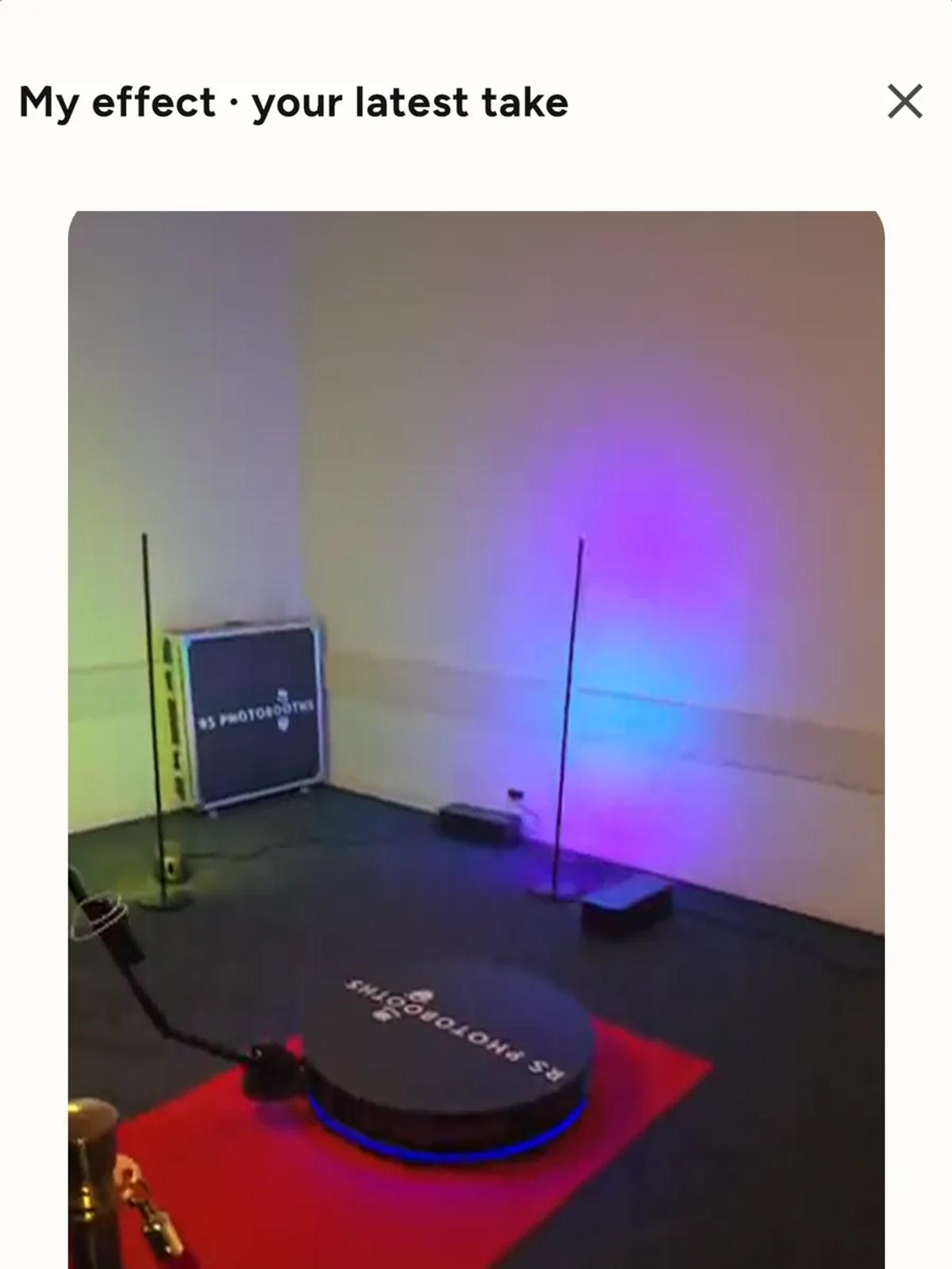
You need a take on the device first, so shoot one before you start building.
Build, test, adjust, test again. A recipe that reads well as a list of
numbers can still feel wrong, and this is the only way to know.
Saving and using it
Save & use stores it on your account and selects it on the booth you
came from. It then appears under My effects on every event.
Deleting it later only removes it from your list. Events already using it
keep their own copy, so an old event's clips will not change because you
tidied up.
Where to start
Take a built-in effect you already like and rebuild it. Try Play at 2x, then
Play at 0.5x, then Freeze for a second, then Rewind. Test it, then change one
number at a time.
Building from a blank sequence is harder than editing one that already works.
Keep reading
Add an overlay to your 360 photobooth videos
An overlay puts artwork on top of every clip your booth makes. Start from a template and edit it in the app, or upload a file of your own. Here is how, and why an overlay sometimes does not appear.
Read more →
Add music to your 360 photobooth videos
A soundtrack plays under every clip from your event. You can pick one track, or pick several and let each clip get a different one at random.
Read more →
Brand kit, event identity and booth overrides
Branding sits at three levels and they do not all behave the same way. Two follow your changes, one is copied once and never looks back.
Read more →