
Choosing the right effect
Nine effects ship with the app, and you can preview any of them on your own footage before an event. Here is what each one does and how to pick.
The effect is what turns ten seconds of a spinning arm into something worth
posting. Nine ship with the app, and every one is free on every plan.
Where to choose one
- Open the event, then the Booths tab, then the booth.
- Tap Effects.
- Tap an effect to select it.
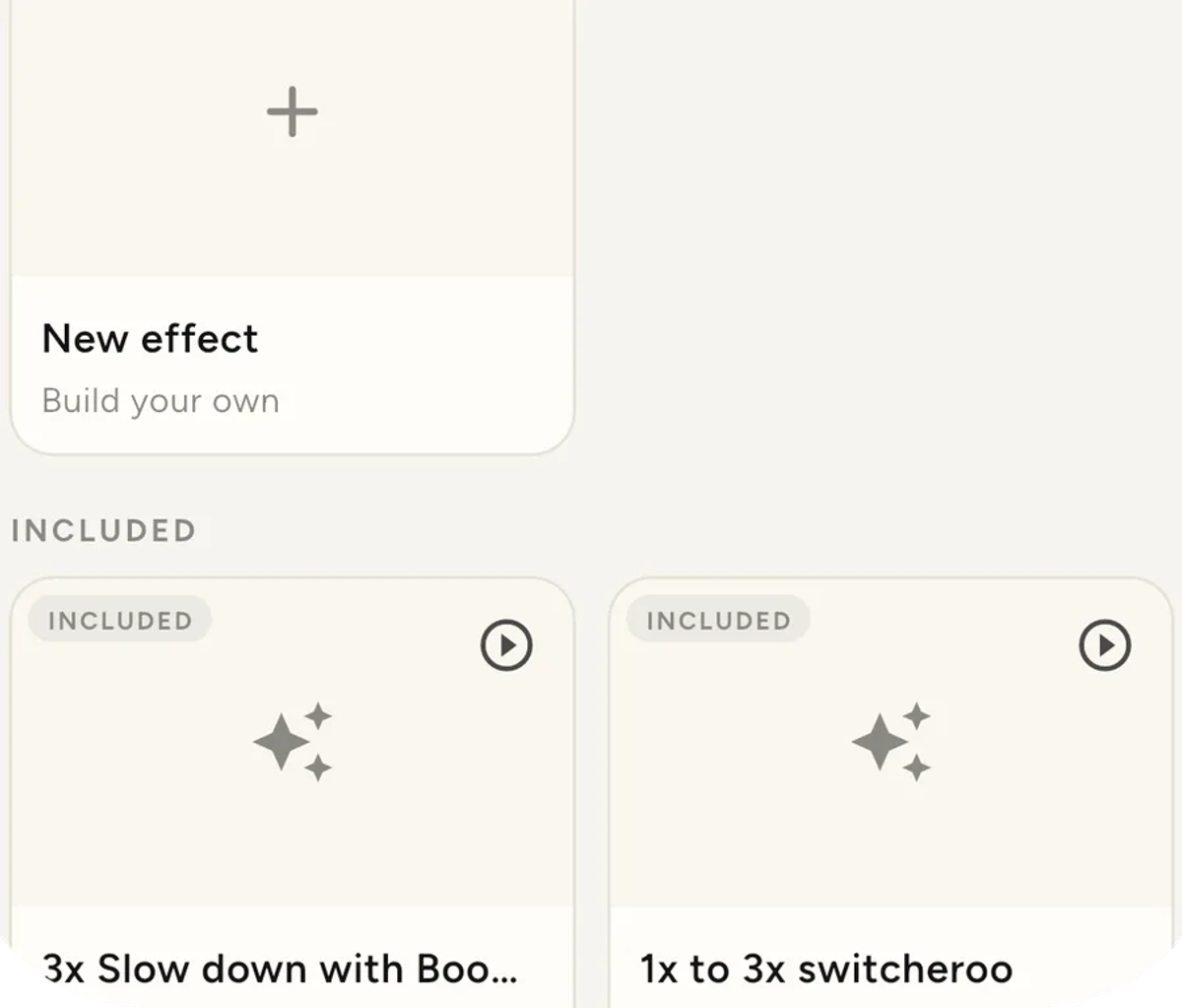
It is set per booth, not per event. Two booths at one venue can run
different effects, which is worth doing when one is for the dance floor and
one is for the entrance.
Preview it on your own footage first
This is the part worth knowing about, because it settles every question this
page could otherwise only describe.
Every effect card has a play button. Tapping it renders your own latest
take through the real pipeline and plays the result.
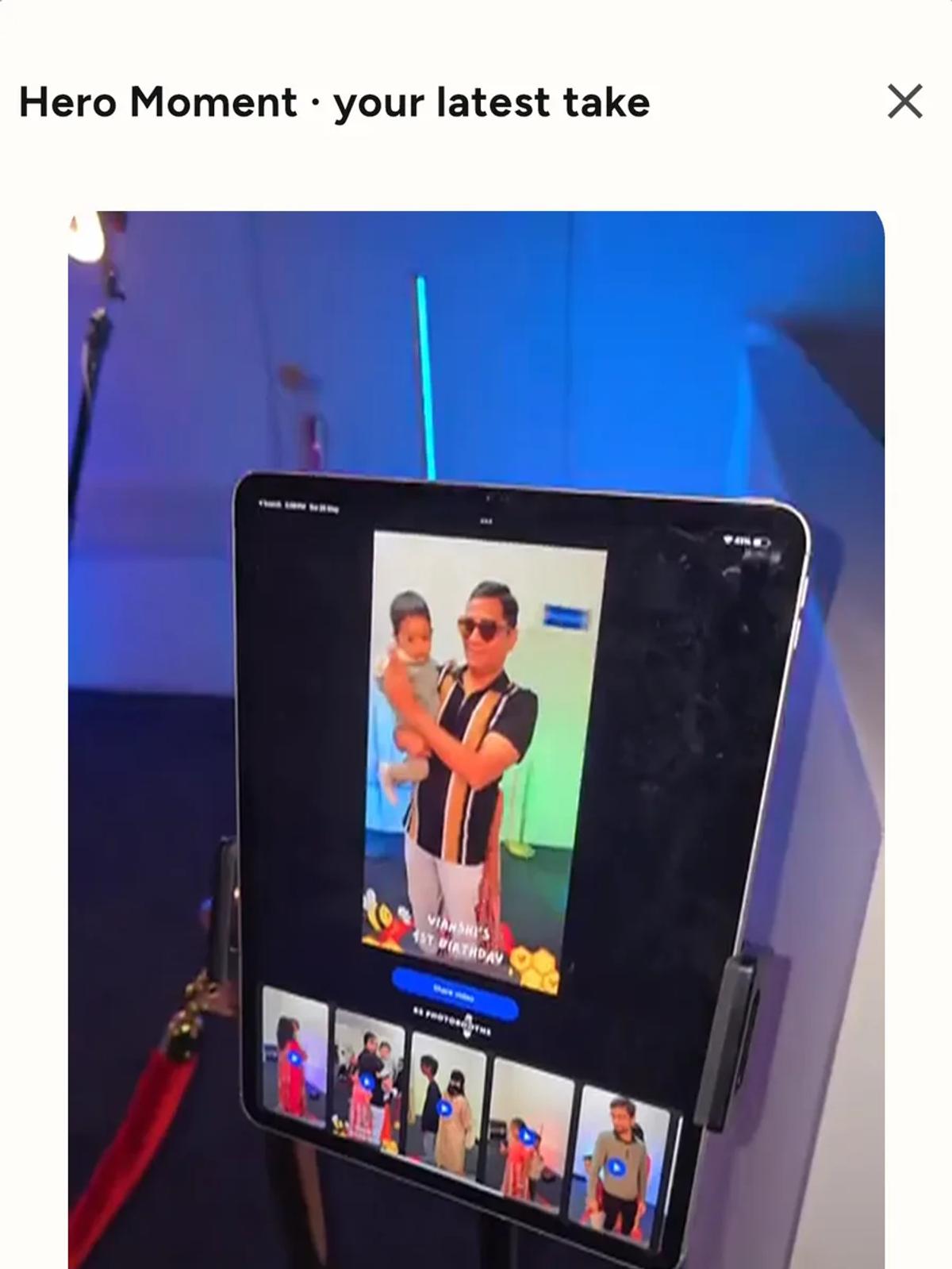
It is not a canned demo. It is the actual effect, on your actual footage,
through the same pipeline that will make the guest's clip. You need a take
on the device first, so shoot one before you start comparing.
Do that once, at home, with the rig set up the way you run it. Ten minutes
of previewing beats reading any description, including this one.
The nine, and what each does
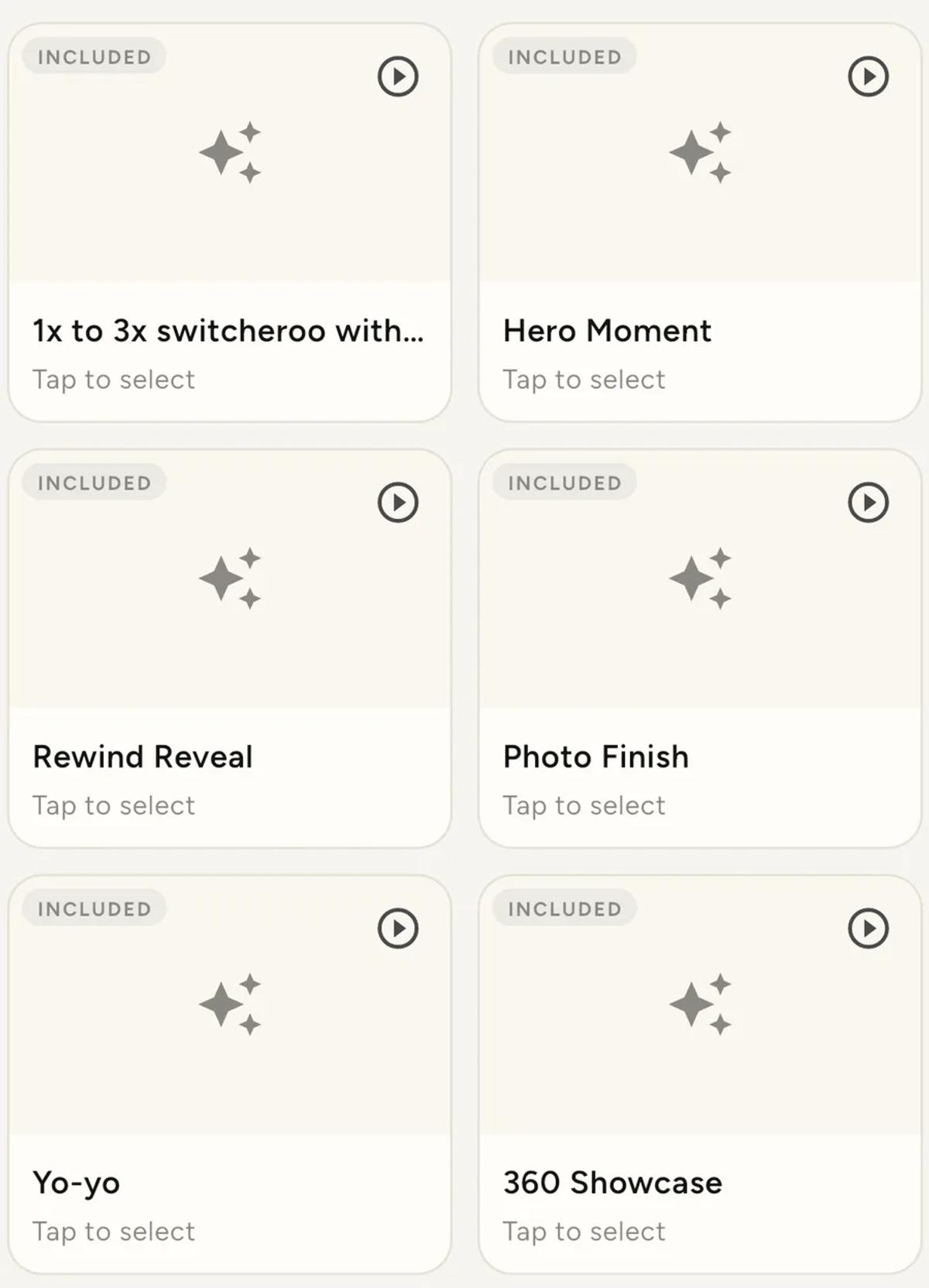
3x Slow down with Boomerang. Slows from 1x to 2x to 3x, reverses in a
boomerang, then returns to normal speed. The classic 360 look, and the one
guests expect.
1x to 3x switcheroo. Slows from 1x to 3x, back to 1x, then to 3x again.
No boomerang. Cleaner and less repetitive than the classic.
1x to 3x switcheroo with Boomerang. The same, with a reversal on the
end.
Hero Moment. Races in at 2x, glides into 4x slow motion at the peak of
the spin, then races back out. One smooth speed ramp. Good when there is a
clear moment worth landing on.
Rewind Reveal. Whips backwards at 3x like a tape rewind, then plays
forward with a slow-motion middle. Built-in suspense.
Photo Finish. Speeds into the peak, freezes on it like a magazine cover
for a beat, then releases into slow motion. The freeze is what people
screenshot.
Yo-yo. Plays through with a slow-motion middle, whips backwards at 3x,
then plays through again.
360 Showcase. Whips at 3x into quick slow-motion punches, with a
split-screen moment mid-spin. The promo-reel look.
Warp Rewind. Warps in at 4x, melts down to 0.4x slow motion, back out to
4x, then a slow-motion rewind to finish.
How to actually choose
Match the room, not your taste. A loud dance floor suits the whippier
effects. A wedding entrance suits Hero Moment or Photo Finish, where the
slow section lands on something.
Think about the second viewing. Guests watch their clip once at the
booth and again later when they post it. Effects with a still or a clear
peak survive that second watch better than ones that never settle.
Do not change it mid-event without a reason. Clips from one night
looking like they came from two booths reads as a mistake, not variety.
Render time is not the same for all of them
Some effects are more work than others. On a busy night that shows up as
clips arriving a little slower, not as anything failing.
If your queue is backing up at a fast-moving booth, a simpler effect is one
of the few levers you have.
Every take needs ten seconds
All nine need a full ten-second take. That is why the recorder stops at ten
seconds and discards anything shorter: the effects slow and reverse sections
of the take, and there is not enough footage to work with below that.
Building your own
The New effect card on the Effects tab lets you chain your own sequence
of speed and direction changes against the same ten-second budget. That is
its own guide, and the preview button works there too.
Keep reading
Add an overlay to your 360 photobooth videos
An overlay puts artwork on top of every clip your booth makes. Start from a template and edit it in the app, or upload a file of your own. Here is how, and why an overlay sometimes does not appear.
Read more →
Add music to your 360 photobooth videos
A soundtrack plays under every clip from your event. You can pick one track, or pick several and let each clip get a different one at random.
Read more →
Brand kit, event identity and booth overrides
Branding sits at three levels and they do not all behave the same way. Two follow your changes, one is copied once and never looks back.
Read more →