
Record your first clip
The booth records itself. You spin the arm and the phone does the rest. Here is what the screen is telling you and why every take is ten seconds.
There is no record button to press at the right moment. The phone watches
for the arm to move and starts on its own, which is the only thing that
works when you are also handing someone a prop and telling them where to
stand.
Get set up
- Mount the phone on the booth arm, screen facing out, and make sure it is
properly secured. It is about to spin. - Open the event, then Booths, then the booth.
- Tap Open capture.
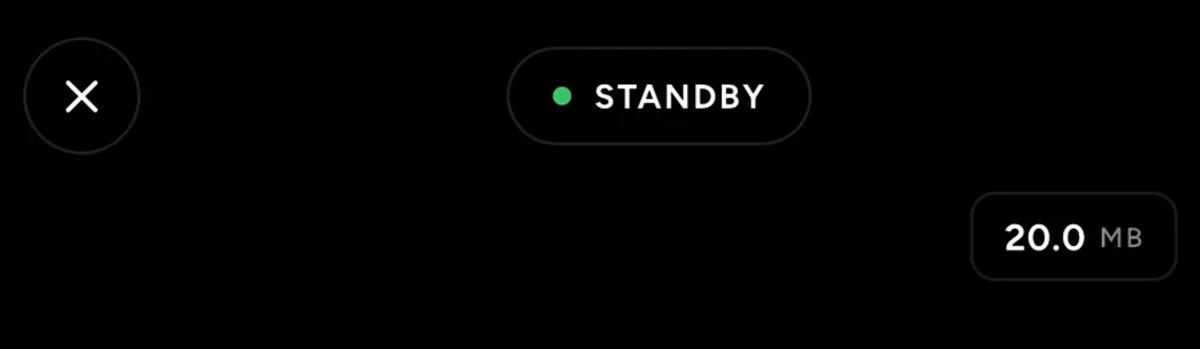
The screen goes to a viewfinder with STANDBY at the top. That is the app
waiting for movement.
Then just spin it
Start the booth. As the arm begins to rotate, recording starts by itself.
Ten seconds later it stops by itself.
You do not touch the phone between guests. Spin, wait, next guest.
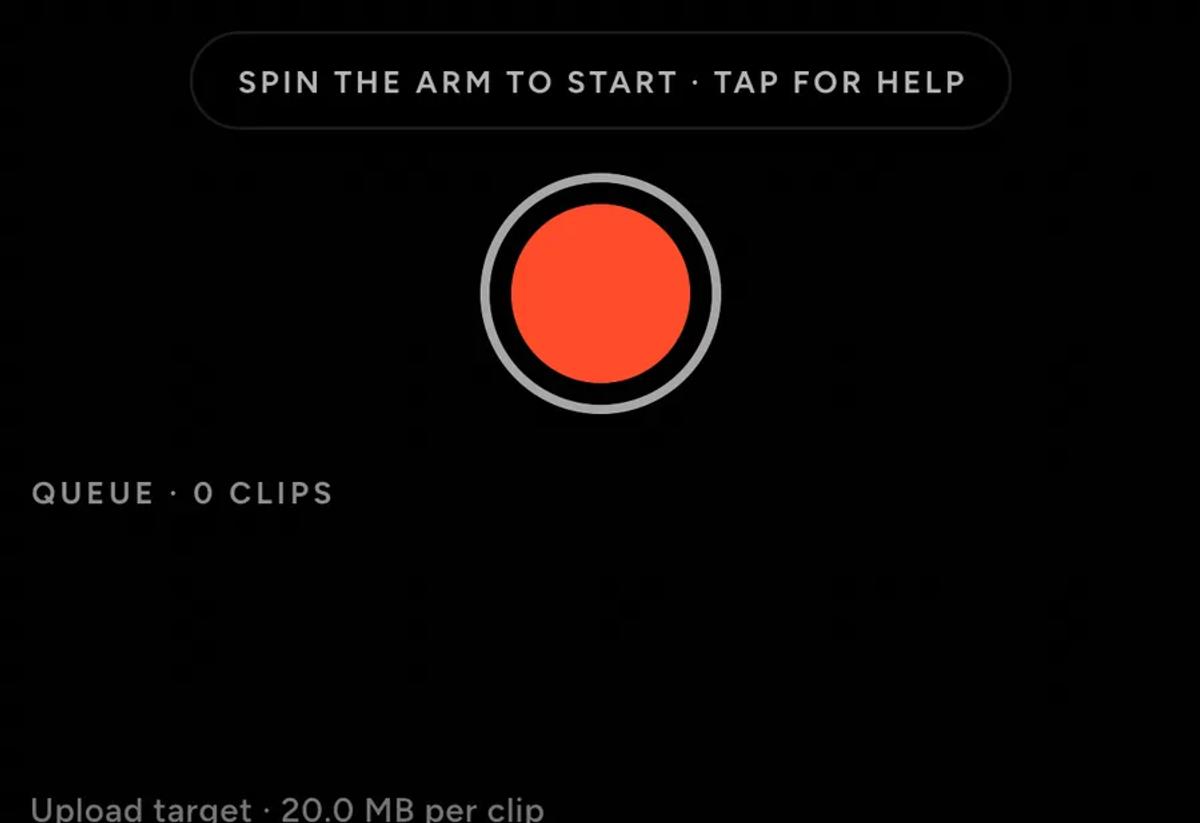
The pill under the viewfinder always says what is happening. Before a take
it reads spin the arm to start. During one it switches to tell you the
take stops at ten seconds.
Why ten seconds
Every effect works by slowing part of your take down, and they all use the
same middle stretch of it. Ten seconds is what the pipeline needs to have
something worth slowing.
That is also why a short take is no use. If a take does not reach ten
seconds it is discarded, and the app tells you so rather than quietly
dropping it.
In practice this means one thing: do not stop a take by hand. Tapping
the shutter mid-spin does not save a shorter clip, it throws the take away.
The same goes for closing the screen or switching apps while the arm is
turning. Let it run the ten seconds.
What the numbers mean
QUEUE counts clips still being processed. It is normal for this to sit
above zero at a busy booth: the phone renders each clip after recording it,
and the queue drains between guests. Do not close the app because you see a
number here.
Upload target is the size the app aims for per clip. Larger looks better
and takes longer to upload.
Keep the phone unlocked and the app open
The phone is doing the work. If it locks or you switch to another app,
recording stops and, on a Local booth, so does sharing to your Share
Station. It picks up again when you come back, but anything mid-spin is
lost.
Plug it in if you can. A phone recording and rendering video for six hours
will not last on its own battery.
Help is on the screen
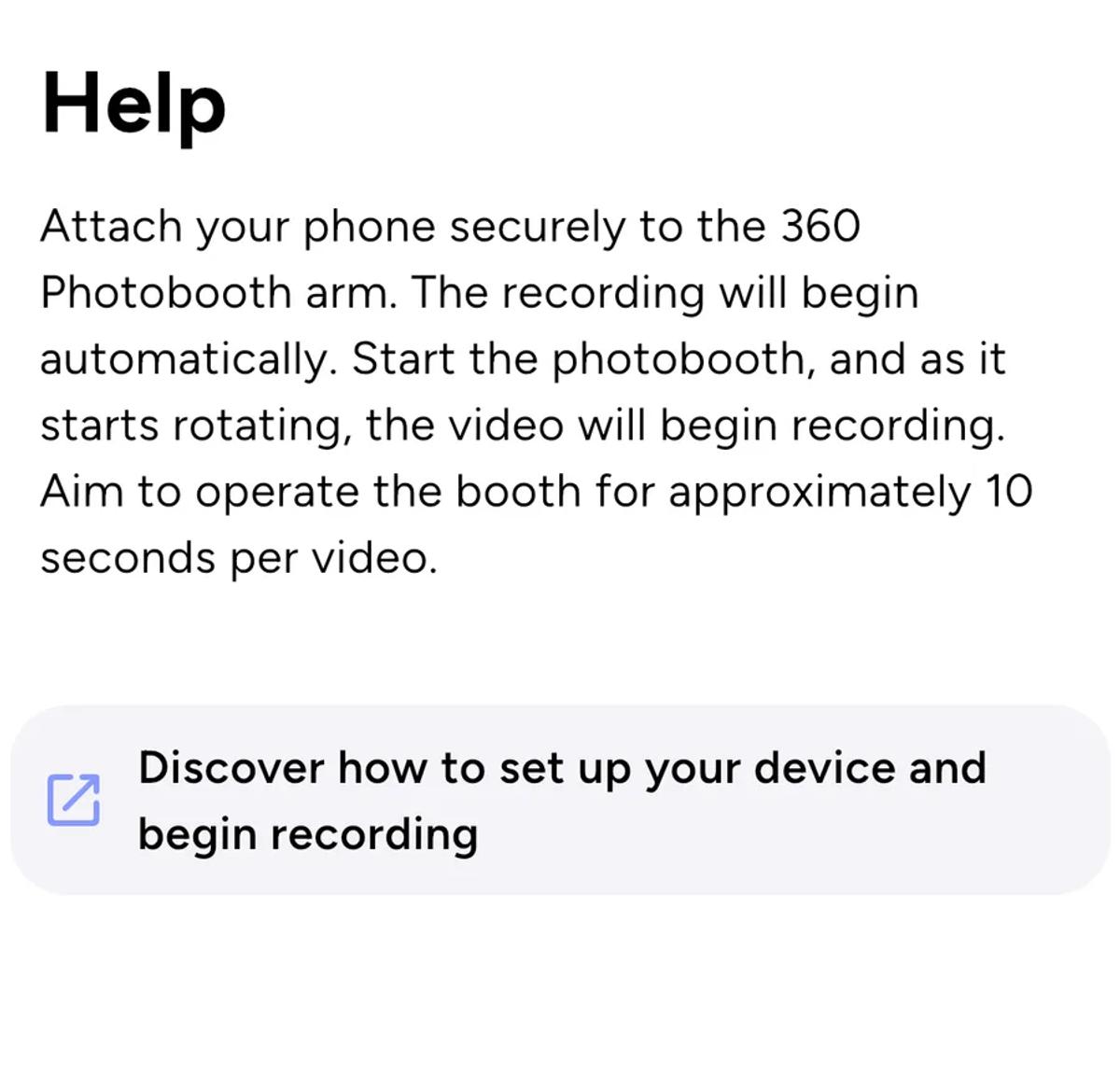
Tap the pill at any point and the app explains the same flow in one
paragraph, without leaving the booth.
Before the first guest
Do one test spin with nobody in front of the booth, and watch it through.
- The clip appears in the queue and then finishes
- It has your intro, overlay, outro and music on it
- Guests would fit in the frame, which is a question of
which lens you are on
Ten seconds of checking beats finding out from the first guest.
If something looks wrong
Nothing starts when the arm moves. The app is watching for rotation. A
slow, smooth start can read as no movement at all, so spin it properly and
give it a moment.
Takes keep disappearing. They are not reaching ten seconds. Either the
arm is stopping early or someone is tapping the screen.
Clips are queued but never finish. See
when a clip cannot be retried from this device.
Keep reading
Add an overlay to your 360 photobooth videos
An overlay puts artwork on top of every clip your booth makes. Start from a template and edit it in the app, or upload a file of your own. Here is how, and why an overlay sometimes does not appear.
Read more →
Add music to your 360 photobooth videos
A soundtrack plays under every clip from your event. You can pick one track, or pick several and let each clip get a different one at random.
Read more →
Brand kit, event identity and booth overrides
Branding sits at three levels and they do not all behave the same way. Two follow your changes, one is copied once and never looks back.
Read more →