
Make a promo reel from your event
The app cuts a reel from the night's clips, adds your booking link on an end card, and has it ready before you leave the venue.
Every event you run is a portfolio piece, and the best time to post one is
while it is still happening. The app cuts a reel from the night's clips,
puts your booking link on the end, and has it ready in about a minute.
The screen calls it plainly: post tonight, book the next one.
Where it lives
The reel is built from the event recap, which is easy to miss.
- Open the event.
- Tap Settings.
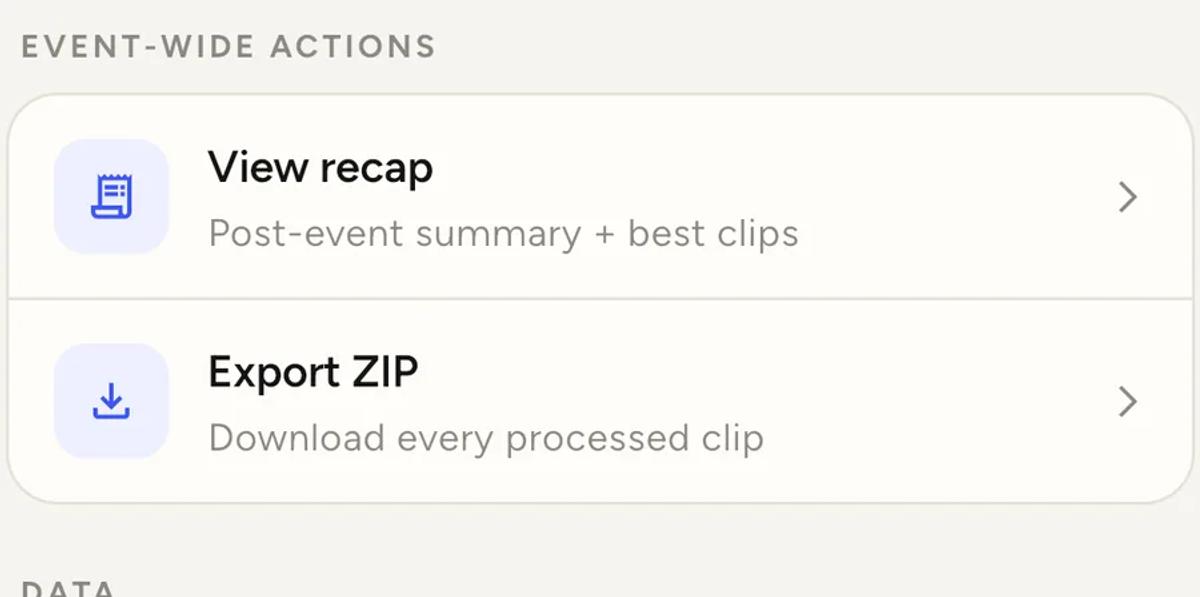
- Under EVENT-WIDE ACTIONS, tap View recap.
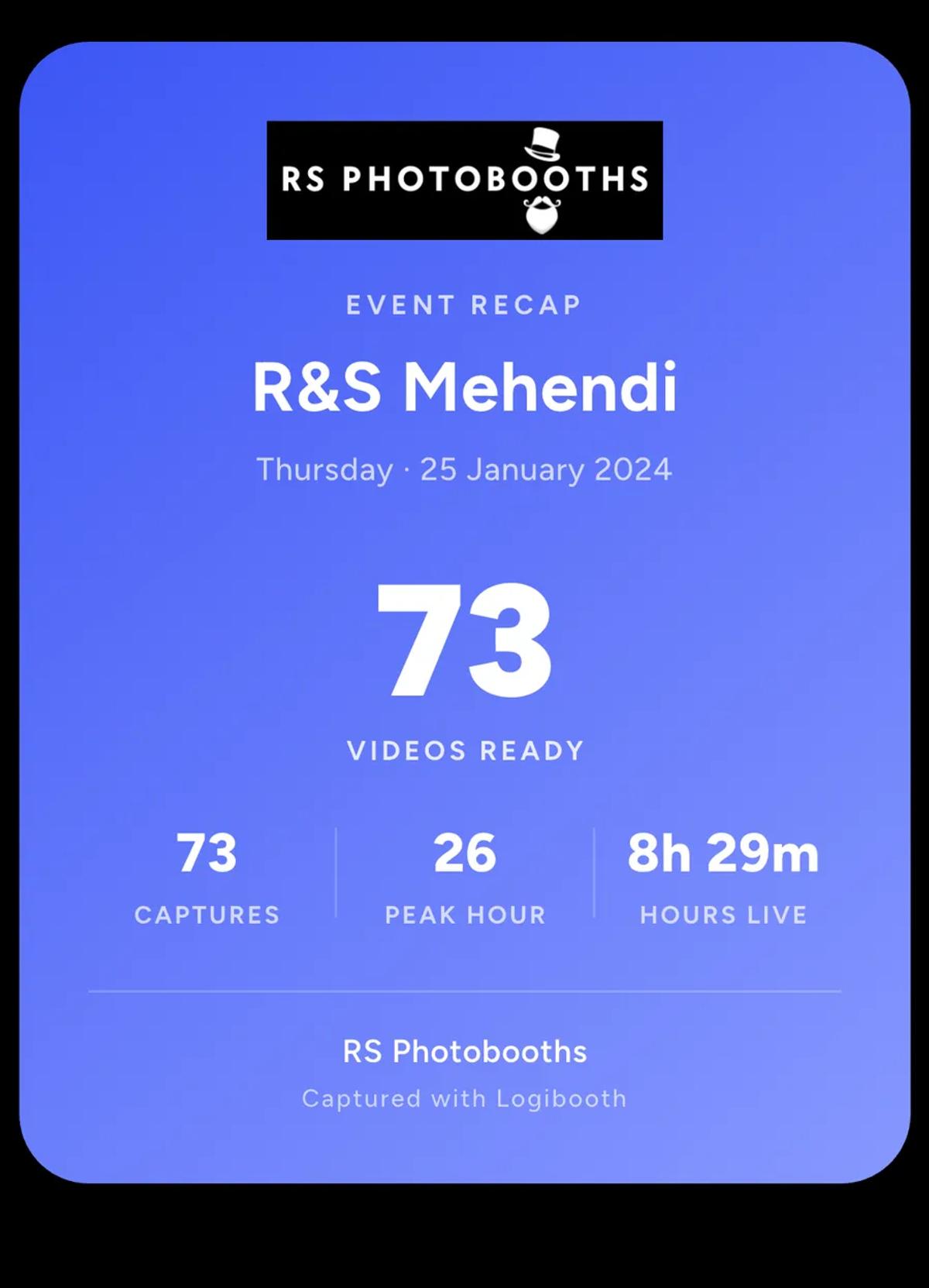
The recap itself is a shareable card: your logo, the event, how many videos
were ready, the peak hour, and how long the booth was live.
Tap Create promo reel.
The choices
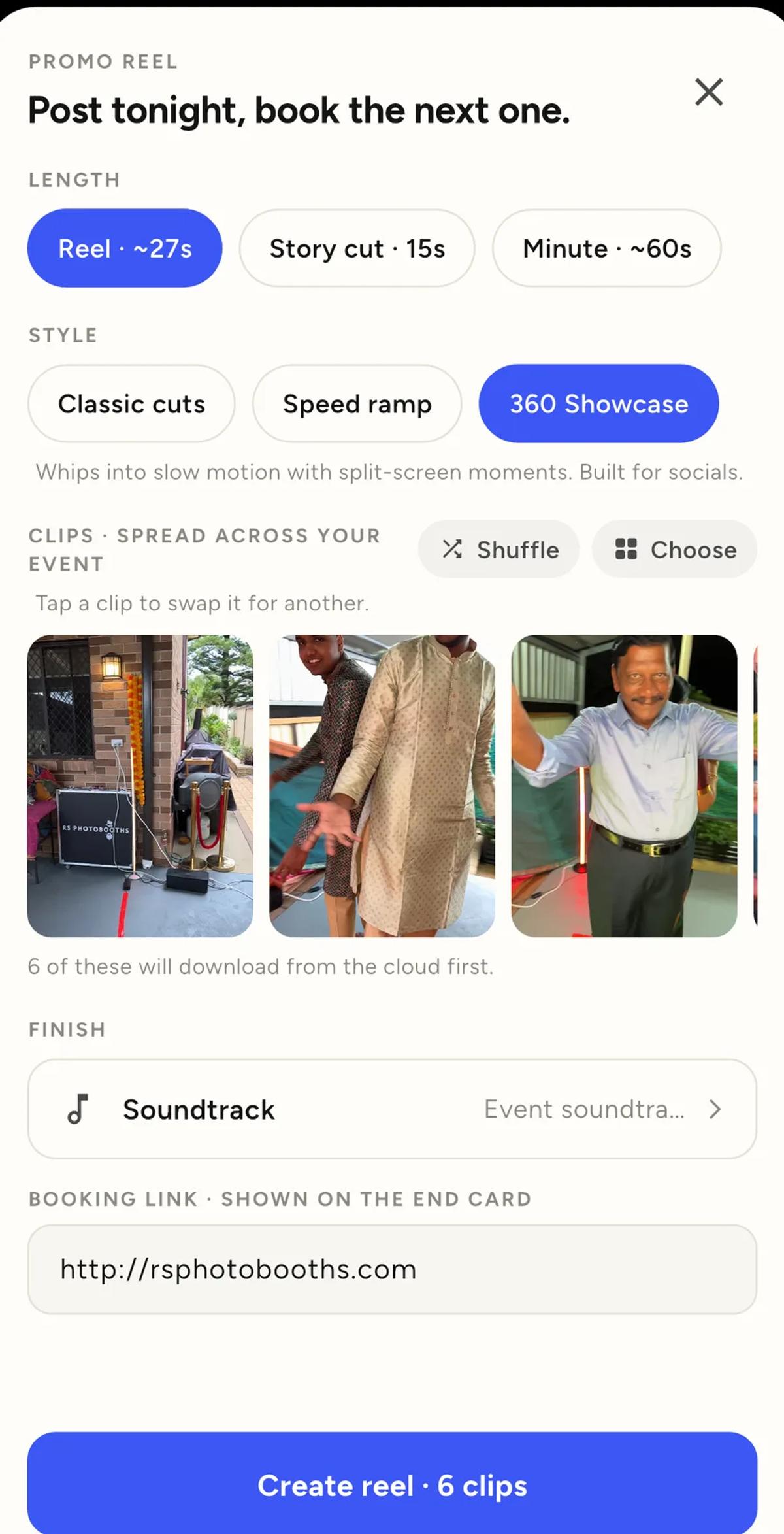
Length. Reel at about 27 seconds, Story cut at 15, or Minute at about
60. Match it to where you are posting.
Style. Three of them:
- Classic cuts is straight cuts at natural speed.
- Speed ramp does fast in, slow hero moment, fast out, on every clip.
- 360 Showcase whips into slow motion with split-screen moments, and is
the one built for socials.
Clips. The app spreads its picks across the whole night rather than
taking the first few, so an early setup shot and a late dance floor shot
both make it. Shuffle re-picks, Choose lets you select by hand, and
tapping any single clip swaps just that one.
If some clips are only in the cloud, the app says how many it will download
first. That is worth noticing on venue wifi.
Soundtrack. It defaults to your event soundtrack. There is an honest
note here worth heeding: for anything going to socials, add the sound in the
app you post from. Platforms mute or block music they detect, and their own
audio libraries are licensed for exactly this.
Booking link. Whatever you put here goes on the end card. Your website,
your booking page, or leave it empty.
Build it
Tap Create reel.
It renders on the device, so keep the app open. Then it is ready to share.
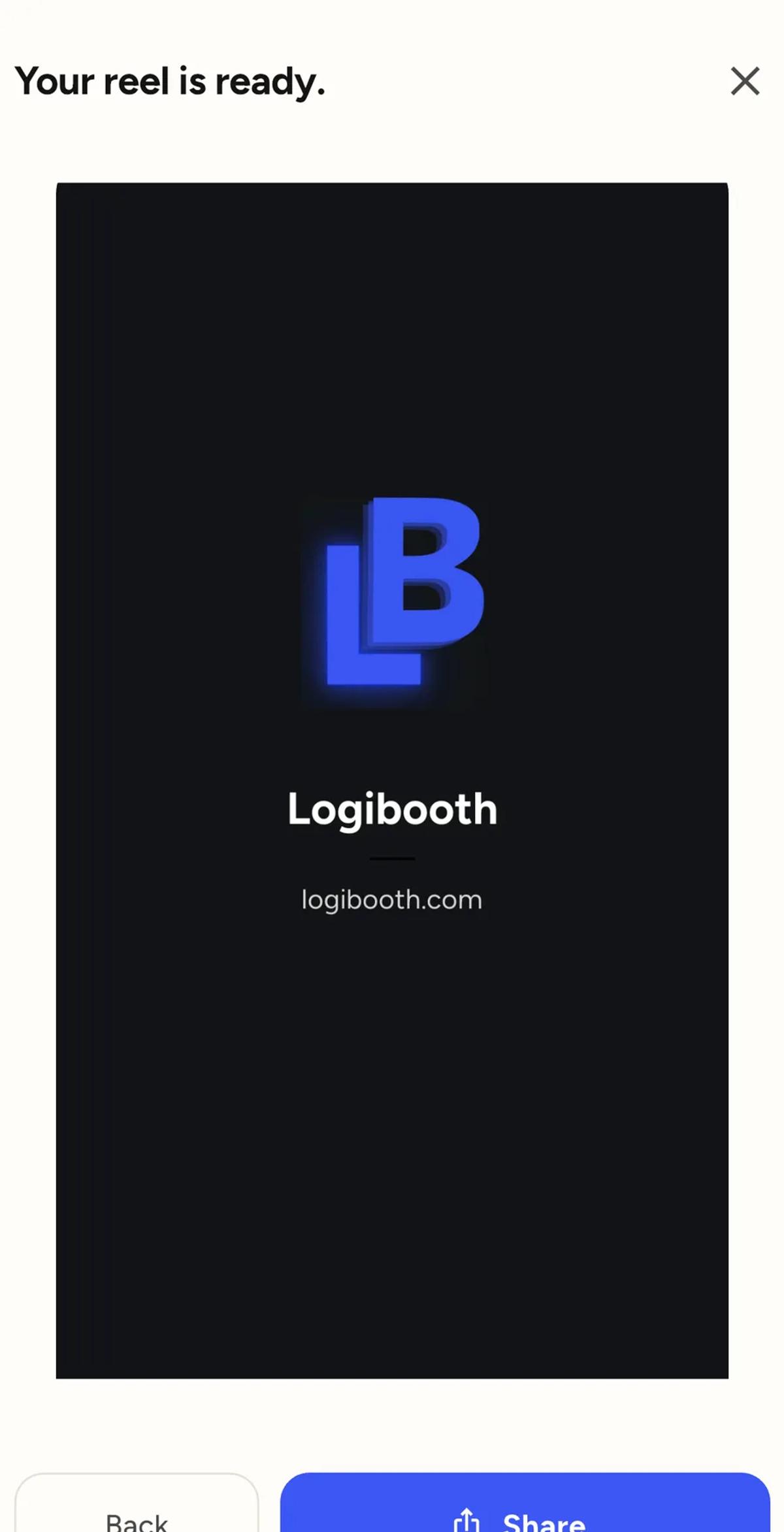
The end card is not your outro
These get confused, and they share nothing.
Your outro plays at the end of every guest clip. The reel's end card
is built here, from the booking link on this screen, and appears only on the
reel. Setting one does not affect the other.
Things worth knowing
You need at least three finished clips. Two clips is not a compilation,
and the app will say so rather than building something thin.
Clips still on another device cannot be used until they are backed up.
The sheet tells you when that is why something is missing. See
when a clip cannot be retried from this device.
If your Pro subscription has lapsed, clips from that period are locked
out of reels until you restore it.
Do it before you leave
The reel takes about a minute and the event is still fresh. Post it that
night, with the venue tagged, while the guests who were there are still
awake and still on their phones.
That is the entire argument for this feature. A reel posted three weeks
later is a portfolio piece. A reel posted that night is a booking.
Keep reading
Add an overlay to your 360 photobooth videos
An overlay puts artwork on top of every clip your booth makes. Start from a template and edit it in the app, or upload a file of your own. Here is how, and why an overlay sometimes does not appear.
Read more →
Add music to your 360 photobooth videos
A soundtrack plays under every clip from your event. You can pick one track, or pick several and let each clip get a different one at random.
Read more →
Brand kit, event identity and booth overrides
Branding sits at three levels and they do not all behave the same way. Two follow your changes, one is copied once and never looks back.
Read more →