
The event recap card
A one-tap summary of the night with your logo on it. Good for the client, good for socials, and it takes about ten seconds to send.
When an event finishes, the app can summarise it on a single branded card:
your logo, the event name and date, how many videos were made, when the
booth was busiest, and how long it ran.
It takes one tap to send, and it is the easiest professional touch available
after a job.
Find it
- Open the event.
- Tap Settings.
- Under EVENT-WIDE ACTIONS, tap View recap.
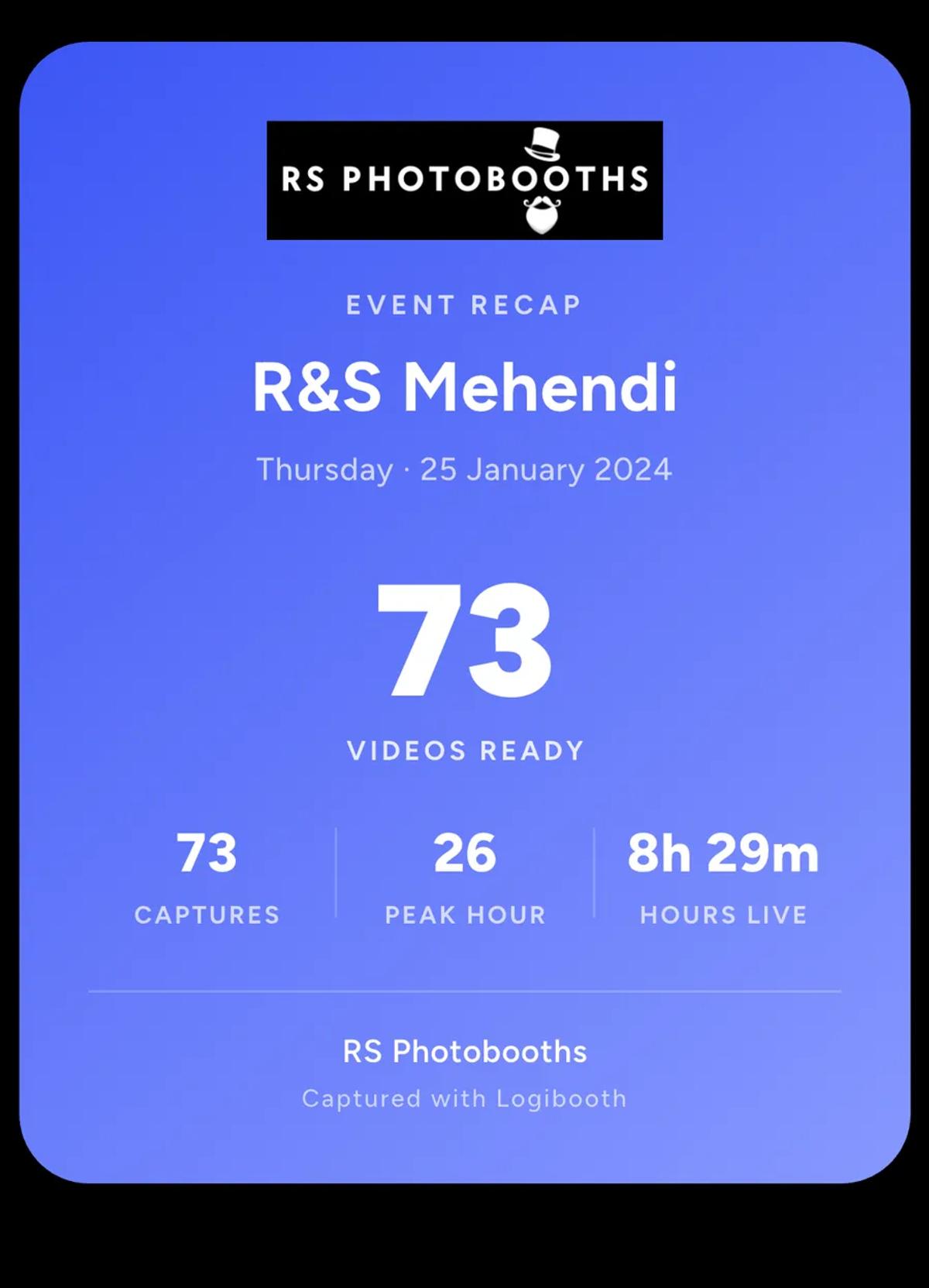
Tap Share recap and it exports as an image, which you can send however
you like.
What the numbers mean
Videos ready is how many finished clips guests can get.
Peak hour is the busiest hour of the night. It is a genuinely useful
number for the next quote: it tells you how hard the booth actually worked,
not just how long it stood there.
Hours live measures when the booth was capturing, not how long you were
on site. An event whose clips you reprocessed a week later does not turn
into a nine-day party.
Who to send it to
The client, with the clips. It closes the job on a high note and it puts
a number on what they paid for. A couple who saw a busy booth all night
still likes being told it made 112 videos.
Socials, on the night. Pair it with a
promo reel
and you have a post that shows the work and the result, without needing to
write anything clever.
It uses the event's branding
The logo on the card is the identity that event is using: your business
brand kit, or the event's own if you gave it one. So a white-labelled event
produces a recap card with the client's name on it rather than yours, which
is usually what you want.
There is more on that in
brand kit, event identity and booth overrides.
One thing to check first
The counts are what they are at the moment you open the recap. If clips are
still processing, or an event ran on Local delivery and has not been backed
up yet, the number will be lower than the night actually was.
Finish the queue first, then send the card.
Keep reading
Add an overlay to your 360 photobooth videos
An overlay puts artwork on top of every clip your booth makes. Start from a template and edit it in the app, or upload a file of your own. Here is how, and why an overlay sometimes does not appear.
Read more →
Add music to your 360 photobooth videos
A soundtrack plays under every clip from your event. You can pick one track, or pick several and let each clip get a different one at random.
Read more →
Brand kit, event identity and booth overrides
Branding sits at three levels and they do not all behave the same way. Two follow your changes, one is copied once and never looks back.
Read more →